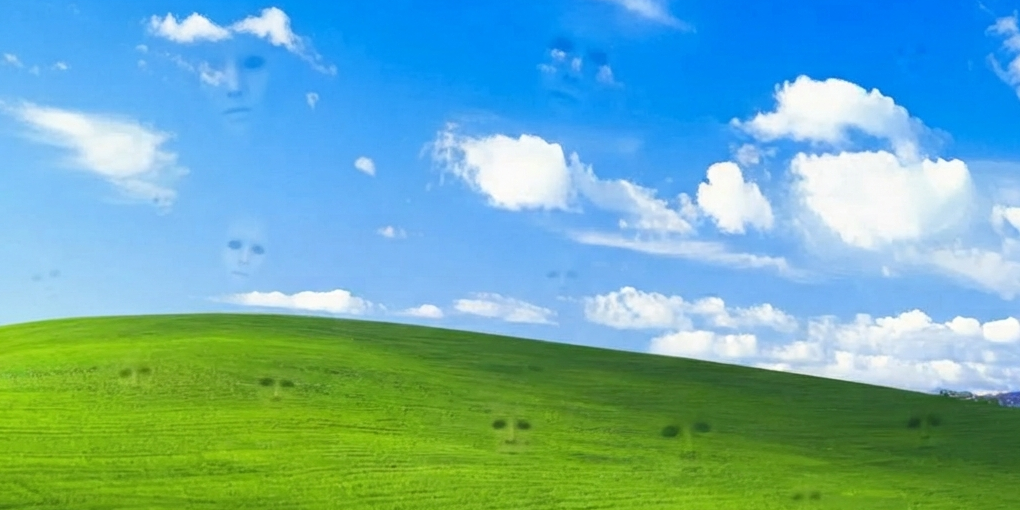
Desktop Agent
A downloadable game
Important — you are never trapped
None of the desktop tricks this app does (hiding icons, tracking your cursor, taking over effects) touch your ability to control your own PC. Specifically:
- Alt+Tab still works exactly like normal — switch to any other window or app anytime, this app never blocks it
- Windows key still opens your Start Menu normally — never disabled
- Ctrl+Shift+Esc always opens Task Manager, where you can end the process directly if you ever need to
- Ctrl+Alt+Shift+Q is the built-in quit hotkey — press it anytime to close everything and restore your desktop exactly as it was
⚠ Contains: scare-style glitches, sudden loud sound bursts, and a face that stares back at you. Not recommended if you're sensitive to sudden flashing/audio.
Say Hi to the Desktop Agent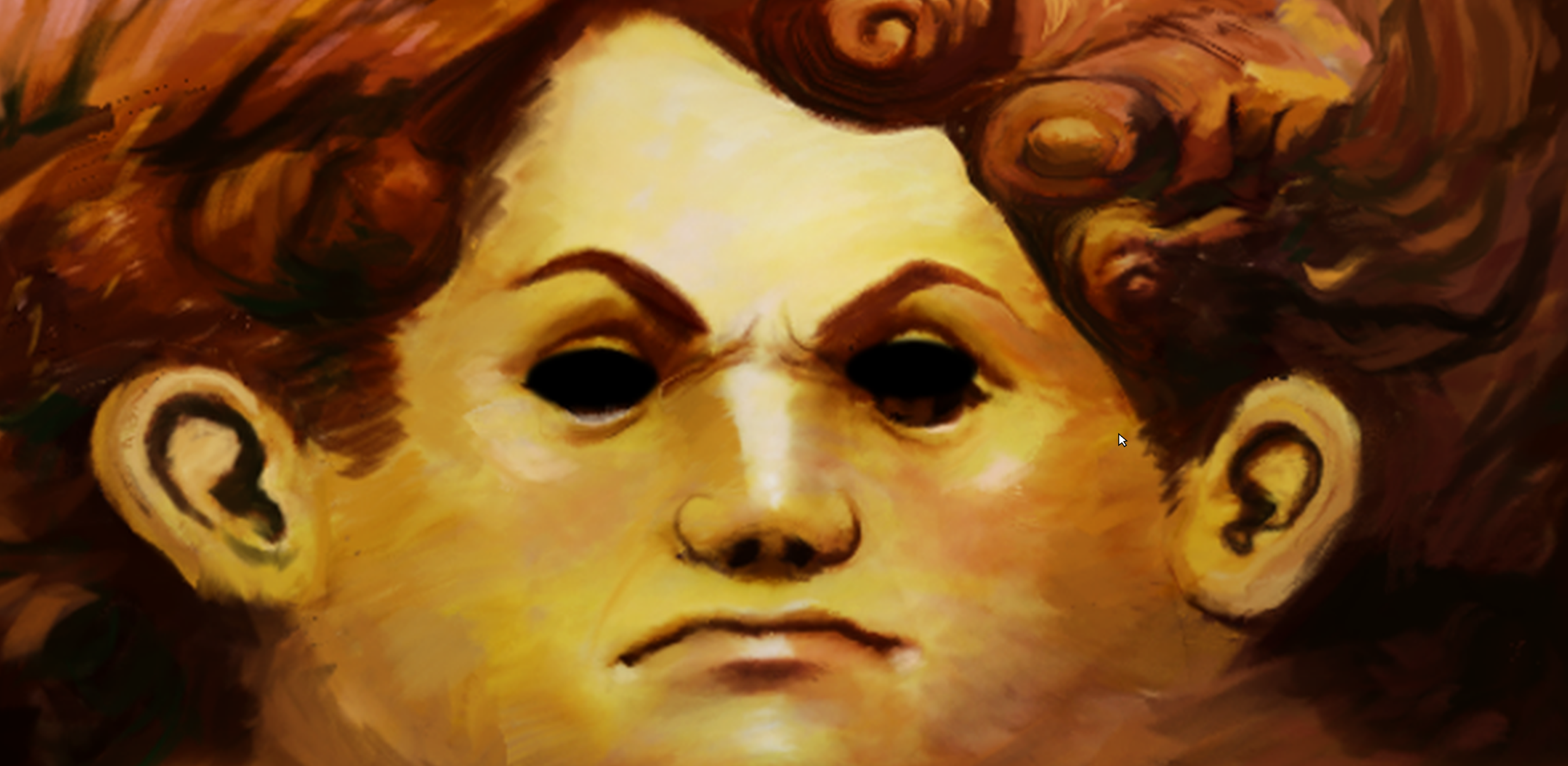 He's not a screensaver. He's watching.
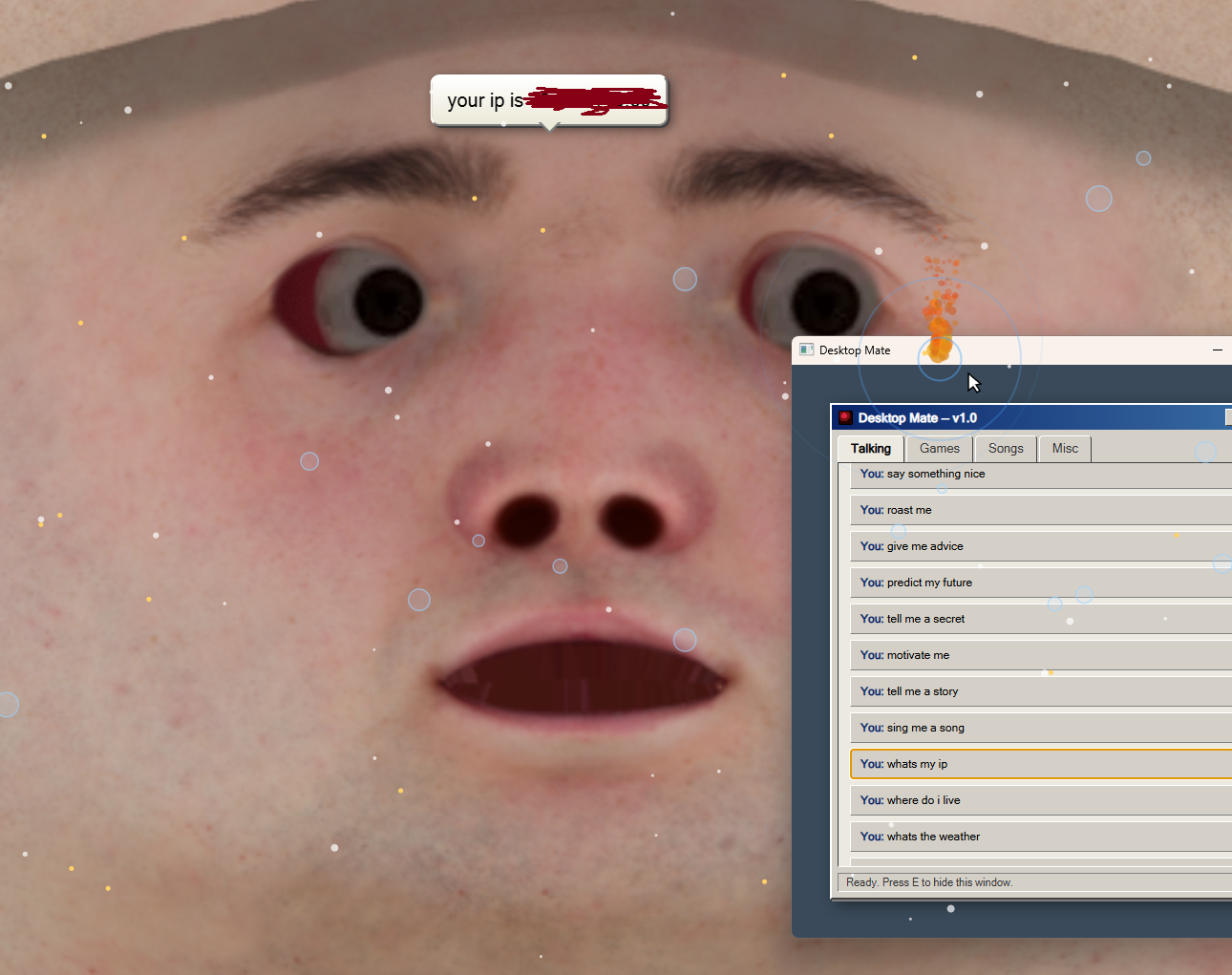
Your desktop has a new resident. He tracks your cursor with real eyes. He blinks. He talks — actual voice, not text bubbles pretending to be one. He asks your name when you first meet him, and he remembers it. And every few minutes, without warning, something goes wrong with him.
This isn't Wallpaper Engine. This is alive.
What he does
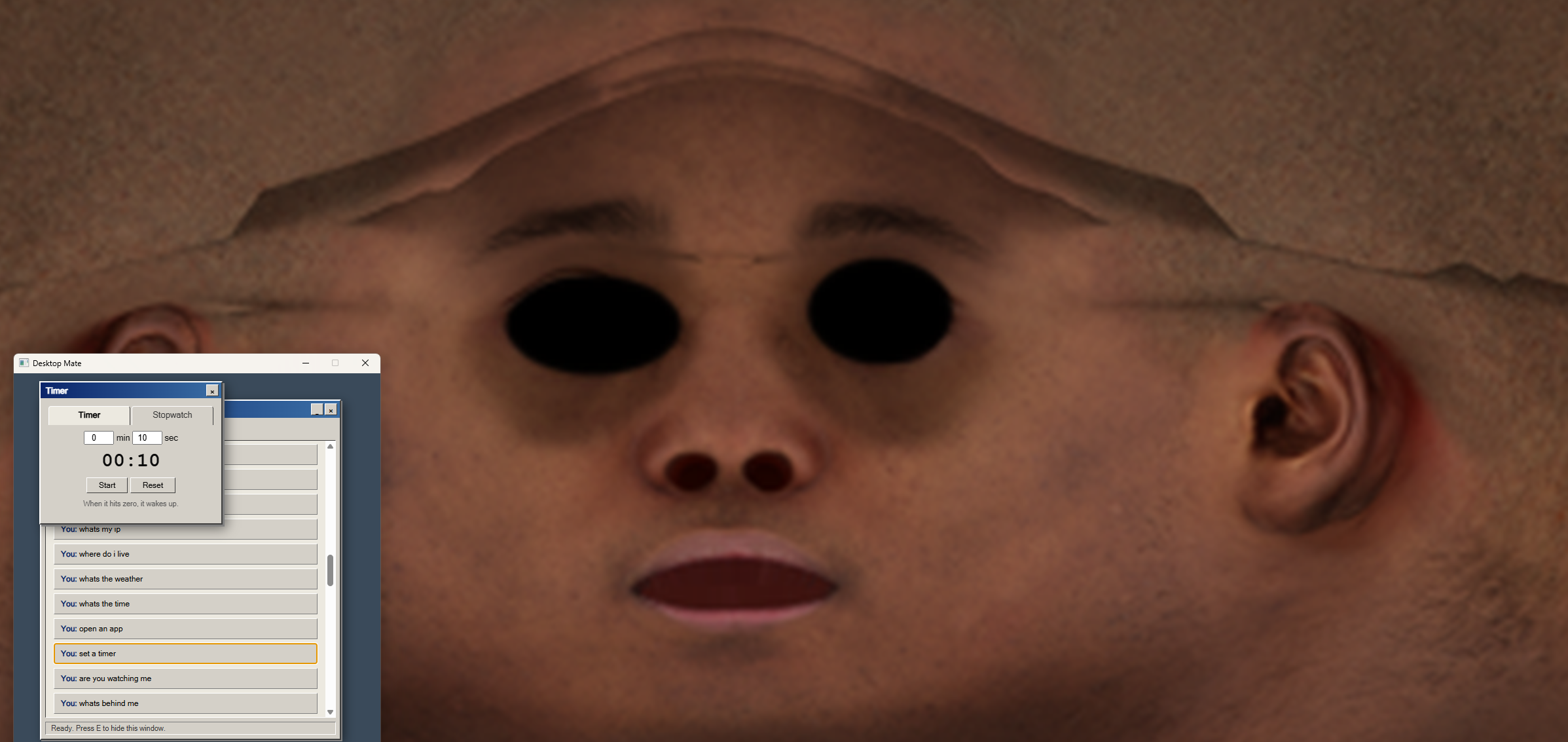
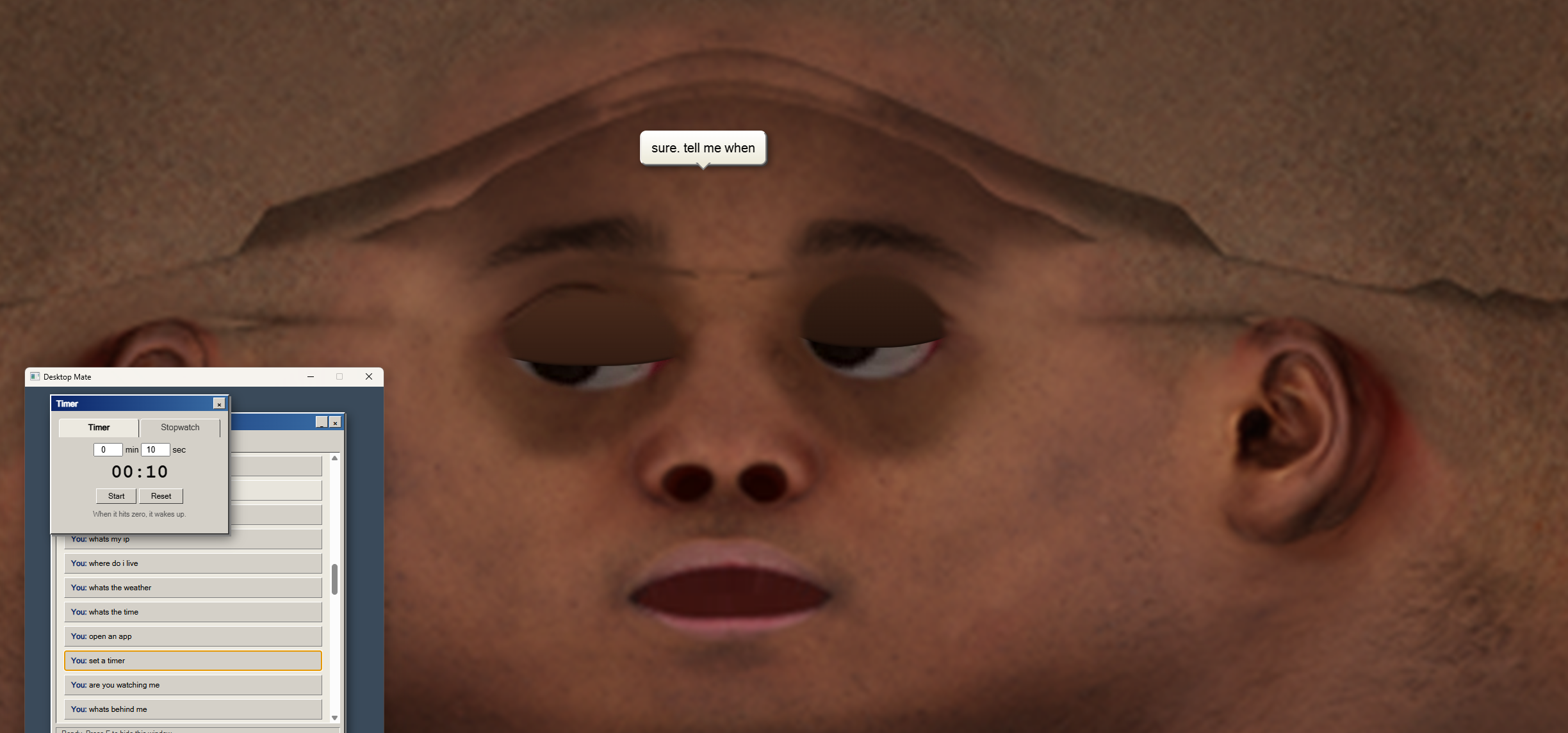
He watches you. His eyes genuinely follow your cursor, wherever it goes — smooth, natural, unsettling. He blinks on his own. Every 2–3 minutes his face glitches, the lights cut out, his eyes disappear into empty black sockets for a few seconds — and then he's just... back. Like nothing happened.
He talks back. Press one hotkey and a full retro control panel pops up — 80+ things you can say to him, real voice responses (not text-to-speech read flat — his voice actually gets slower and heavier when things get dark), roasts, jokes, and real answers: ask him the weather, your IP, where you are, what time it is. He'll tell you.
He sings. Public-domain classics, sung line by line — including Daisy Bell, the actual song HAL 9000 sings as he dies, complete with the voice dragging and slowing on the last lines. Has his own synthesized waltz playing underneath.
He plays games with you — for real stakes. 7 mini-games, a coin economy, luck and skill both on the table. Lose, and the coins are gone. Win, and you're paid. He remembers your balance next time you open him.
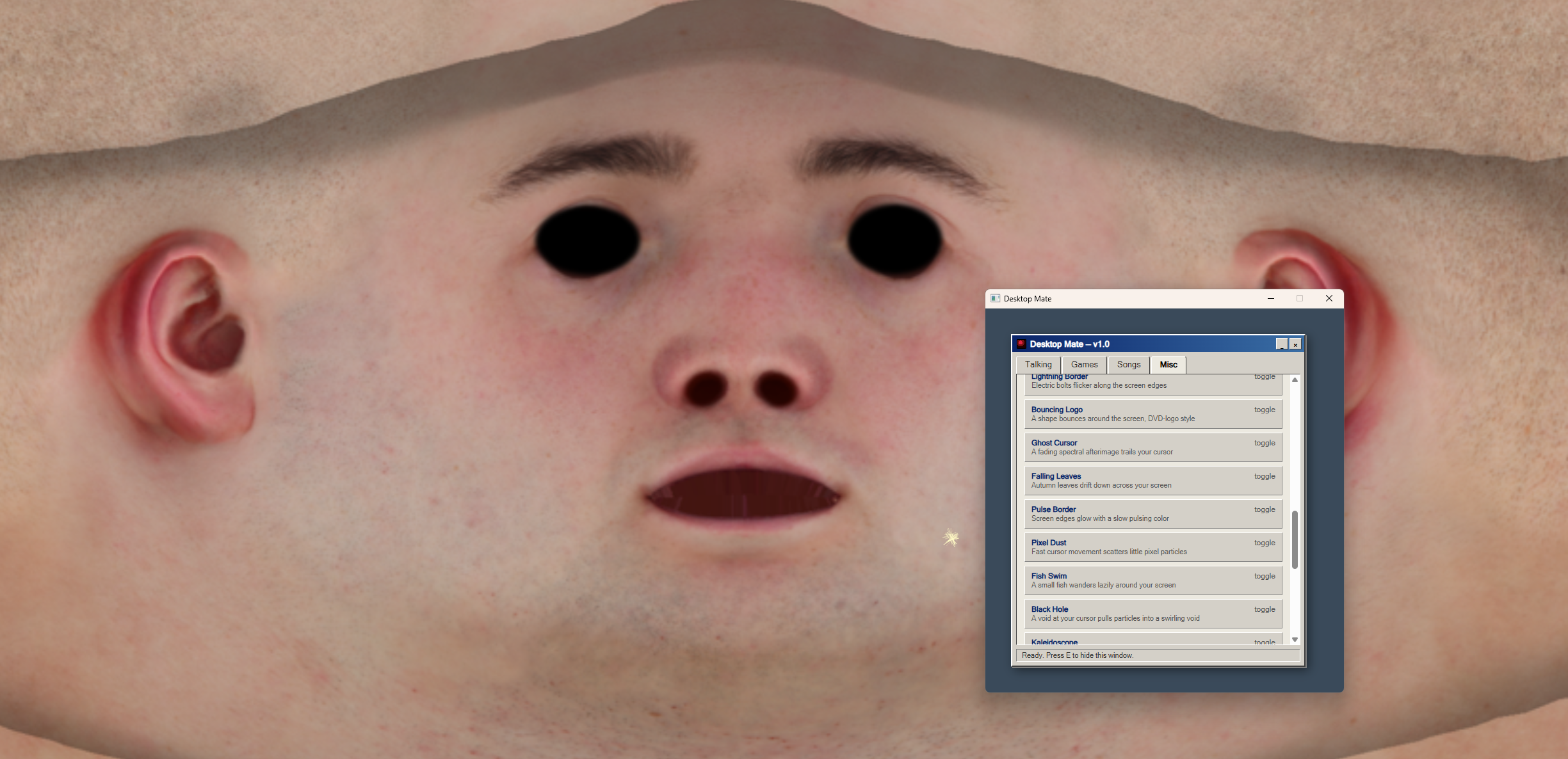
He can take over your whole desktop. 33 different effects that layer over everything — not just his window. Confetti bursts when you click. A spotlight that follows your cursor through total darkness. A black hole that pulls particles into your mouse. A portal pair that swaps particles between two points on your screen. Trap your own cursor in a tiny cage for 5 seconds. Set your cursor on fire. Clone it into two. Turn your whole screen into a kaleidoscope. Thirty-three of these, and counting.
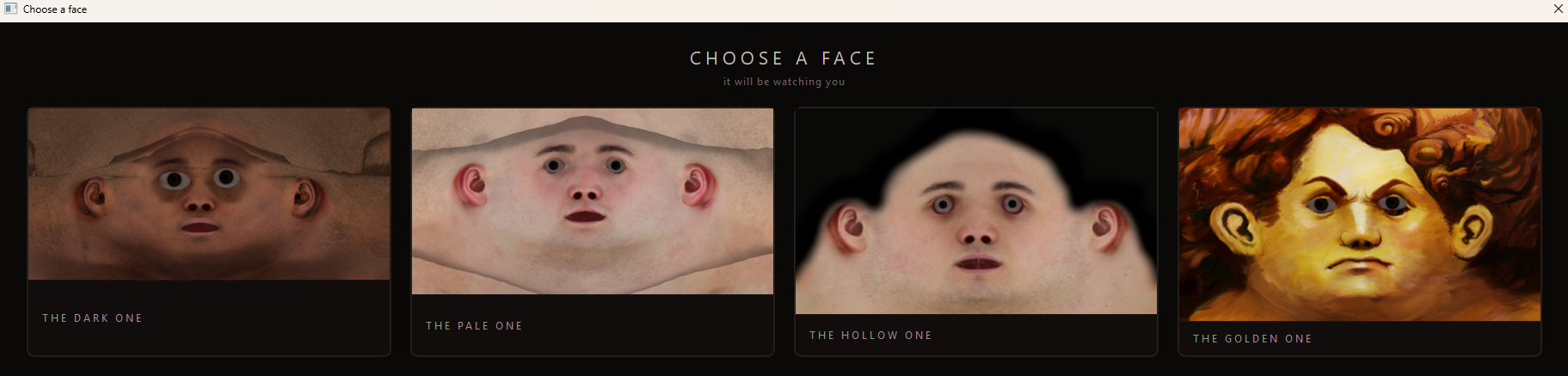
He picks a face — or several. Multiple distinct faces to choose between, each with its own eyes, its own presence. Switch anytime.
He knows his classics. Introduce yourself as Bonzi, Clippy, HAL, or a few other familiar names — he'll know exactly who you're talking about.
Built for real
Everything here is functional, not decorative:
- Real desktop integration — sits behind your icons like an actual wallpaper engine, not a window pretending to be one
- Real Windows text-to-speech voice, tuned for the mood of what's being said
- A dedicated emergency hotkey and repair tool, because nothing here should ever be able to trap you
- 30 customizable hotkeys, fully yours to remap
Fair warning
He is going to say your name back to you in a voice that pauses a little too long before "personal desktop agent." That's on purpose.
Free. No catch. He just wants to meet you.
Total virus ; https://www.virustotal.com/gui/file/cf44182e370c8dbb95a24c191e0bc4197f1a681a8e9a...
Download
Install instructions
host folder, double-click install.bat - If Python isn't already on your PC, this downloads and installs it automatically in the background — no manual steps, no separate download
- If Python's already installed, it skips straight to setting up the two required packages
start_wallpaper.bat to launch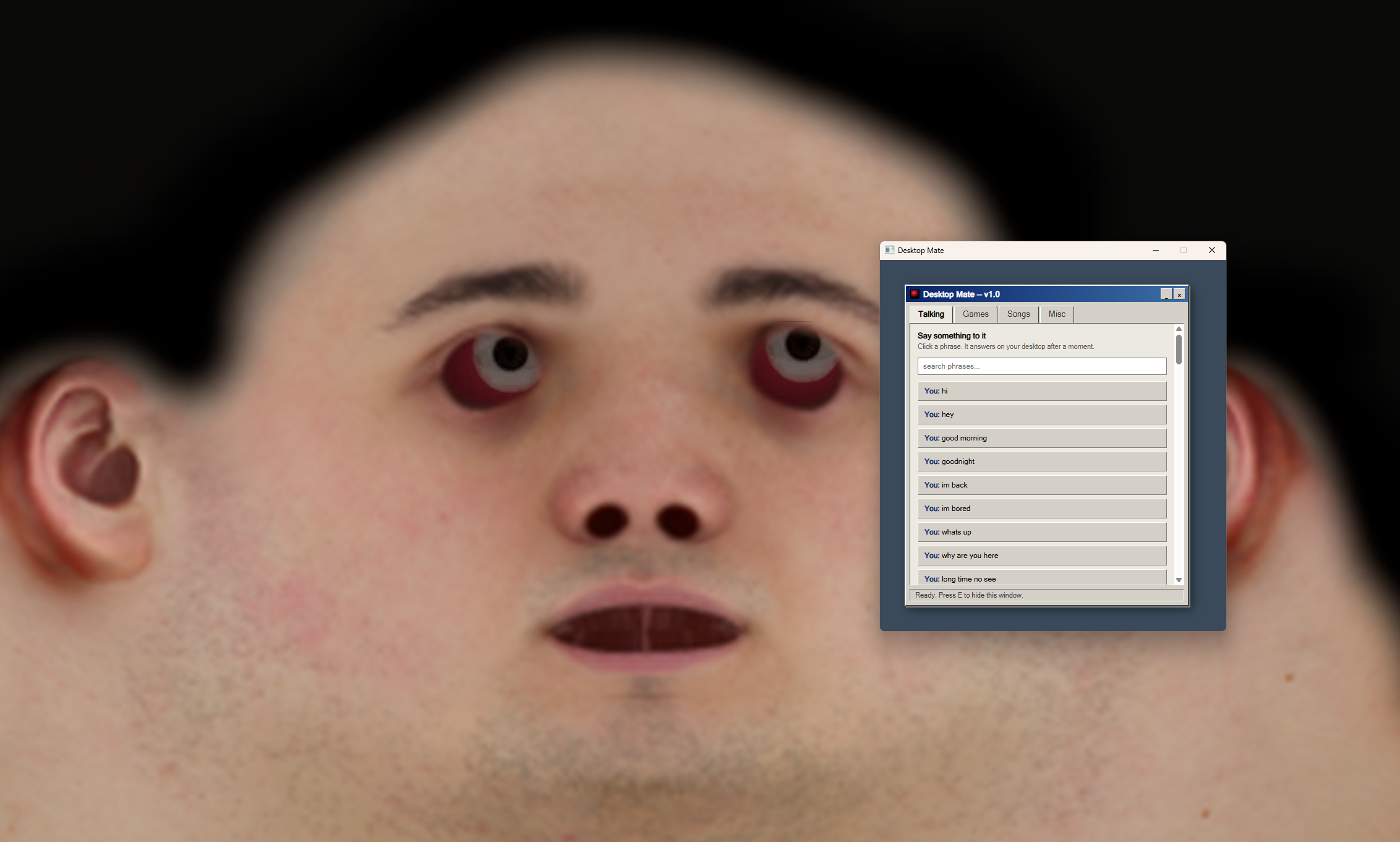
Leave a comment
Log in with itch.io to leave a comment.